Customers and Customer Users#
Customer users belong to a customer (organization, department, etc.). A customer is required before any customer user can be added.
Adding a Customer#
Navigate to the administration menu, and click on the badge:
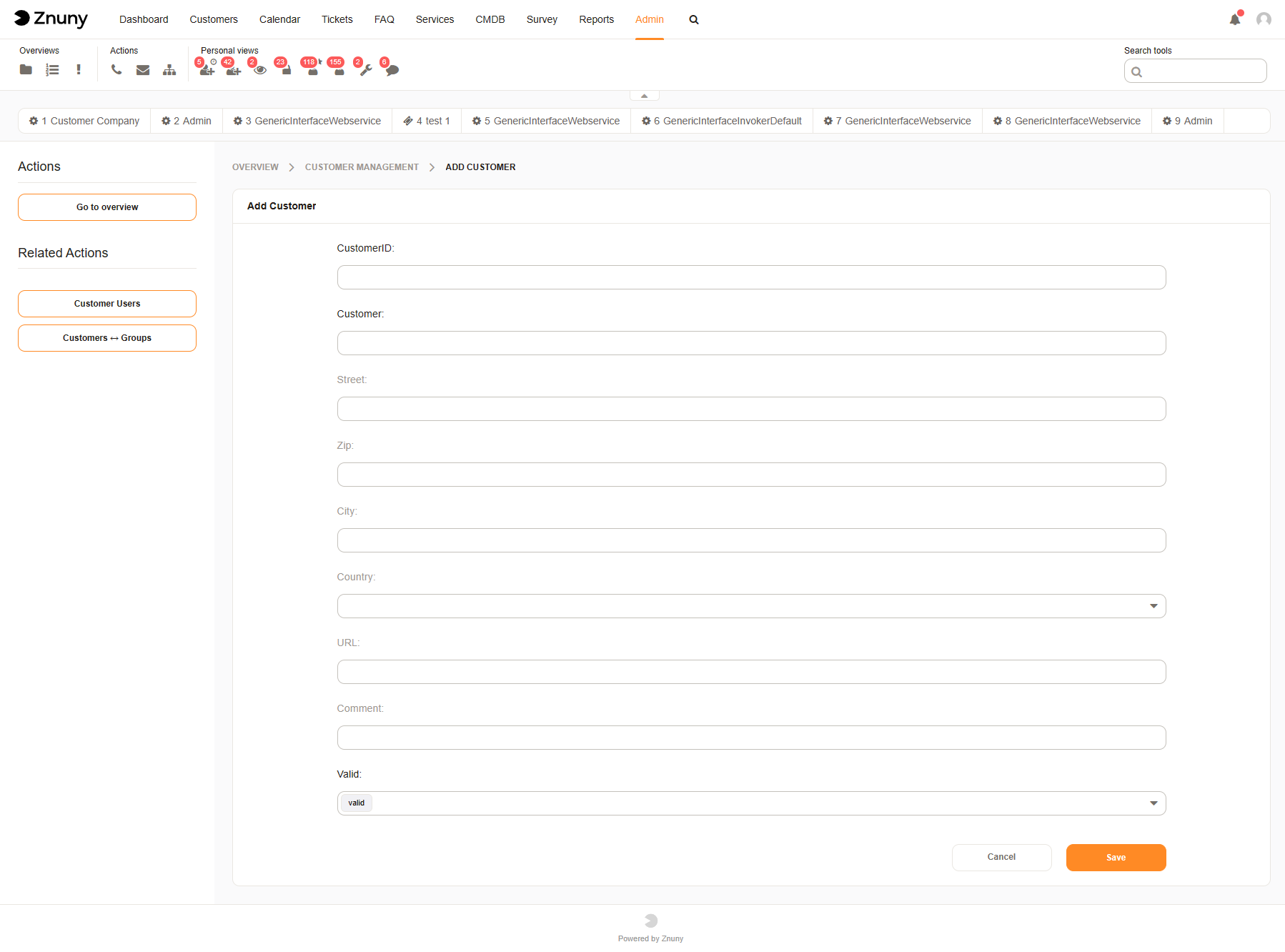
A customer record requires:
Customer ID
Customer Name
All other information is optional, as configured by your administrator.
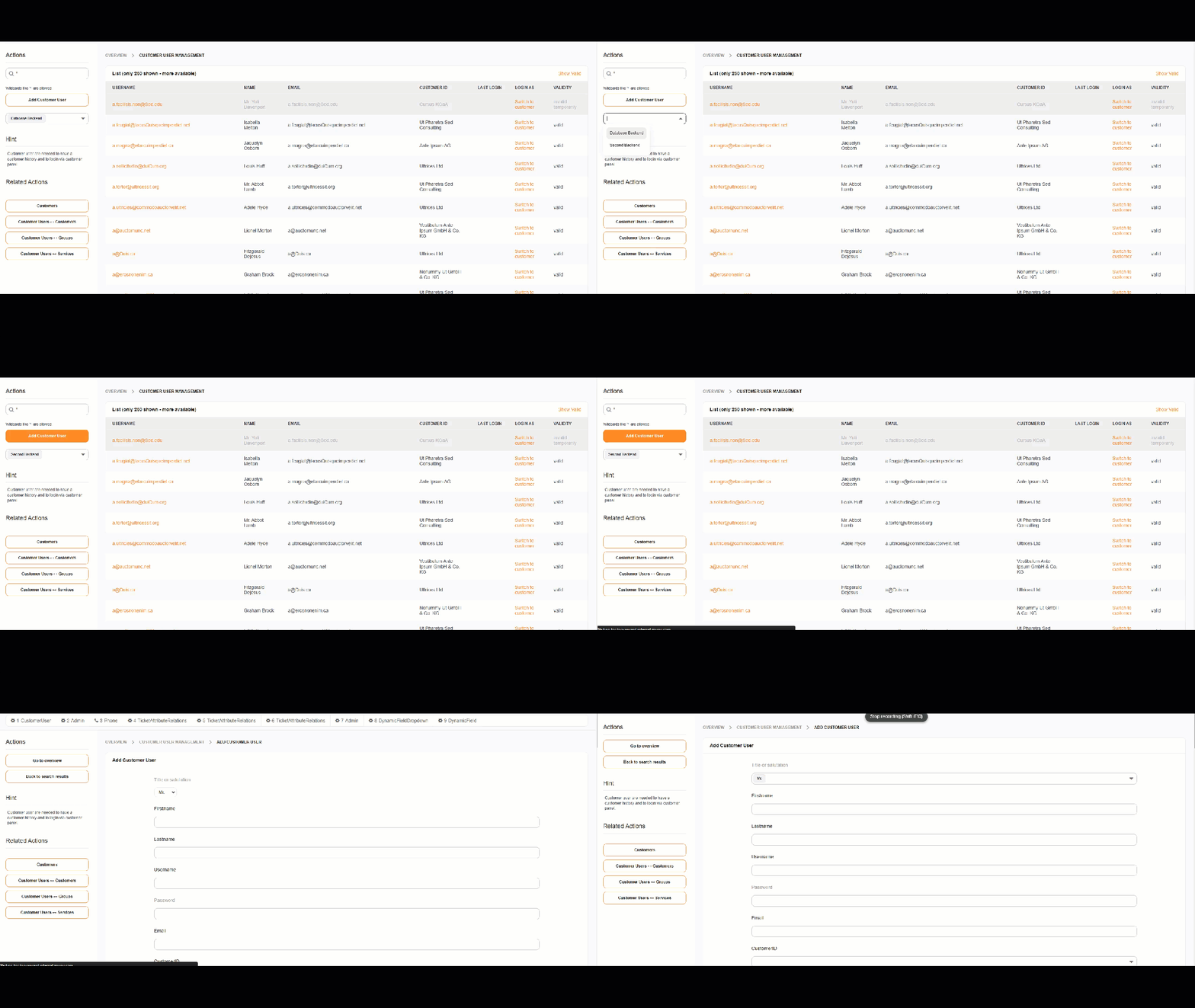
If multiple writeable backends are available, choose the backend before clicking Add Customer.
Add a Customer User#
After adding a customer as shown above, you may then choose to add a customer user.
Navigate to the administration menu, and click on the badge:
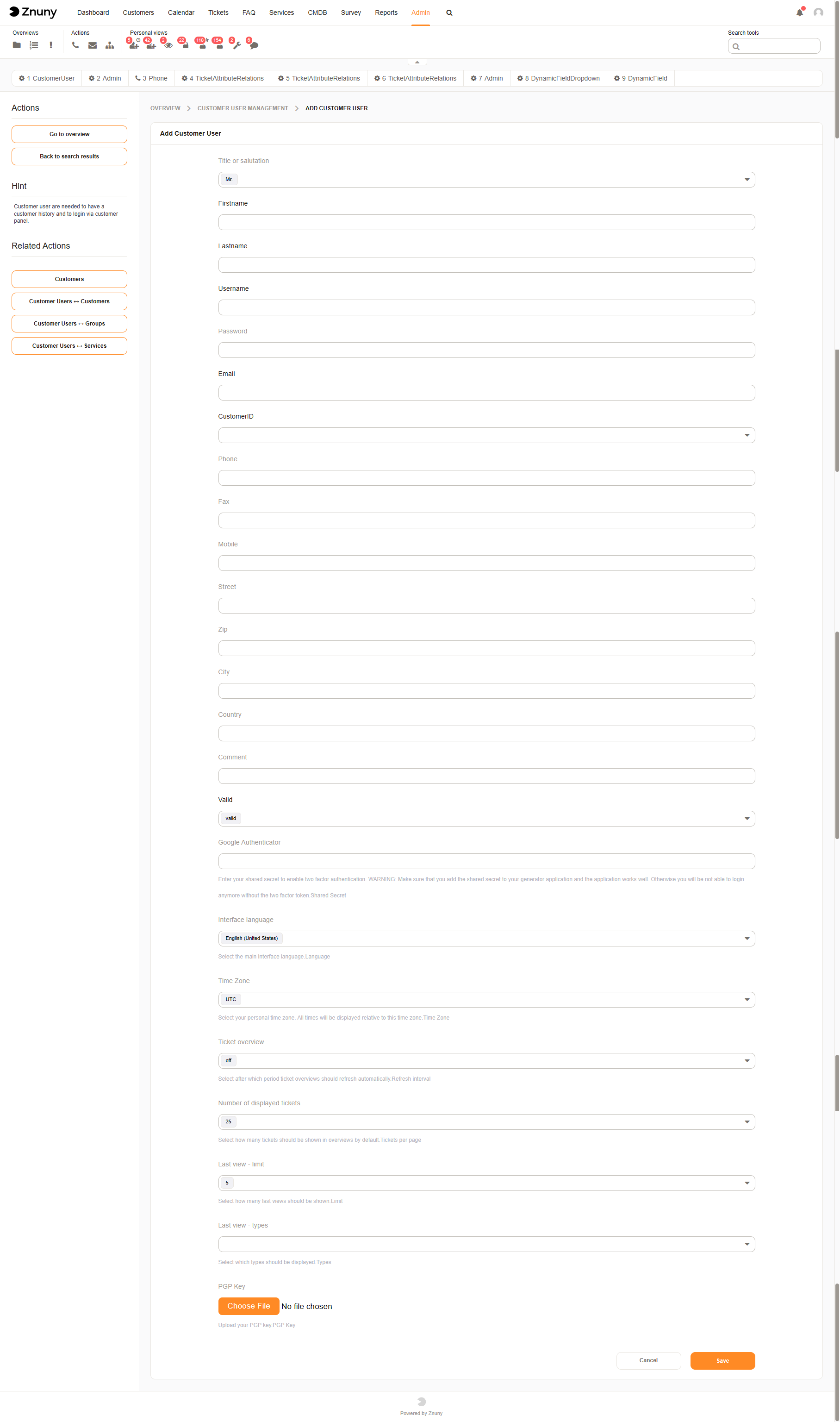
Depending on the configuration of custom user data mapping, your form for entering customer user data may differ. Here is an example of the default user form.
See also
See also
More on customers in our concepts chapter Customers and Customer Users
To assign a customer user to additional companies: Customer Users ↔ Customers